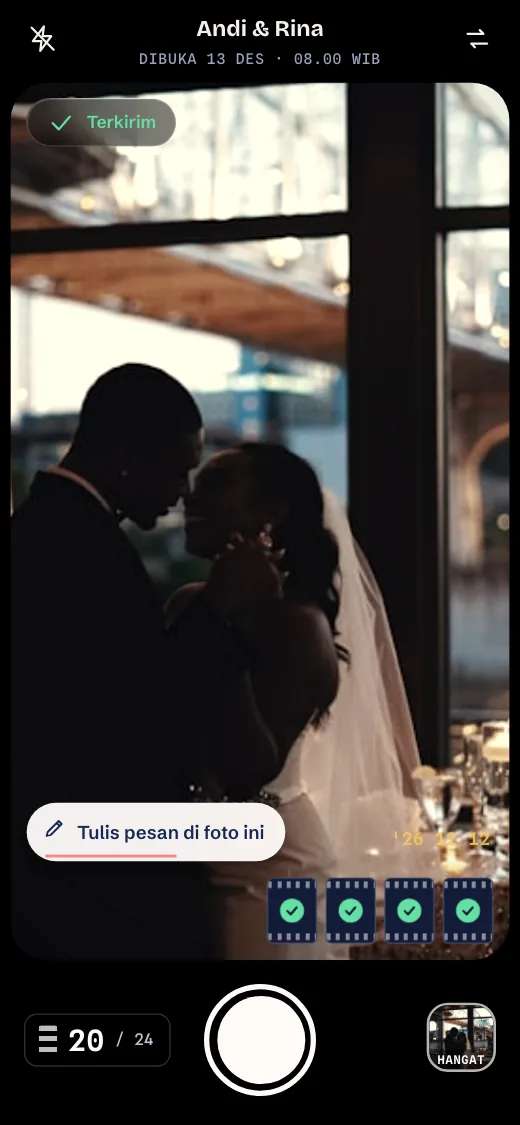
The moments that slip past, caught by your guests.
Guests just scan a QR and take photos on their own phone. Every photo lands in one album.
How it works
Three steps, no app.
- 01
Scan the QR
Guests open the camera in their phone browser.
- 02
Take photos
Photos go straight into the event album.
- 03
One album
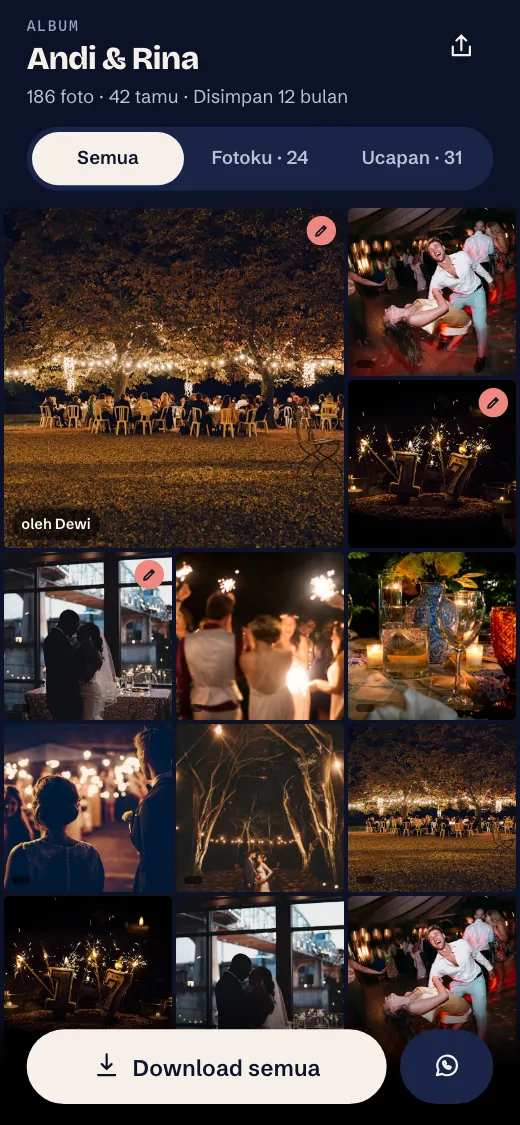
Every photo from every guest in one place.
Sample wedding schedule
The moments live in between.
The photographer follows the schedule. Guests capture what happens around it.
- Akad nikahOfficial coverage
- In between08.40 - 09.30 · Sample moments



- Reception beginsOfficial coverage
The schedule above is an example. The photos are sample photos.
Akad, reception, engagement, graduation.
From akad to graduation, guests take photos on their own phones.

Guest photos complete the official coverage.

Photos from every table land in one album.

One QR on the family table, no app to install.

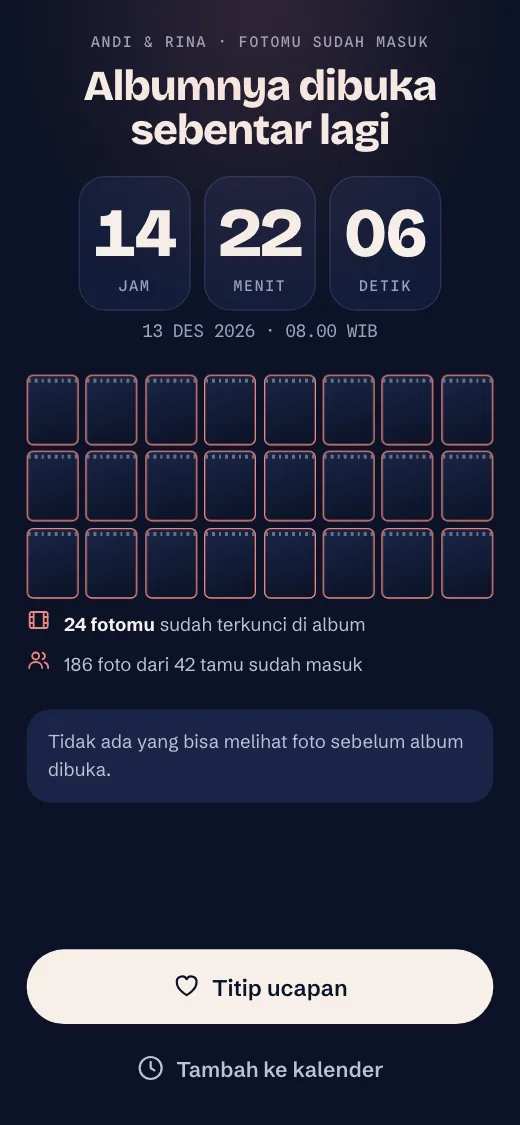
The album opens on the day you choose.
Control
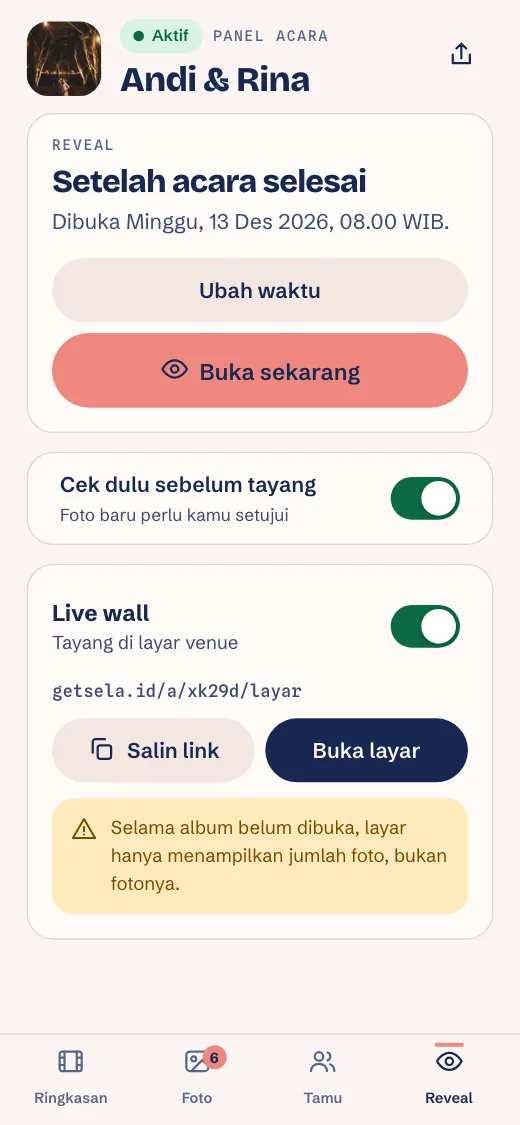
You decide when the album opens.
Right away, after the event, or at a set time.
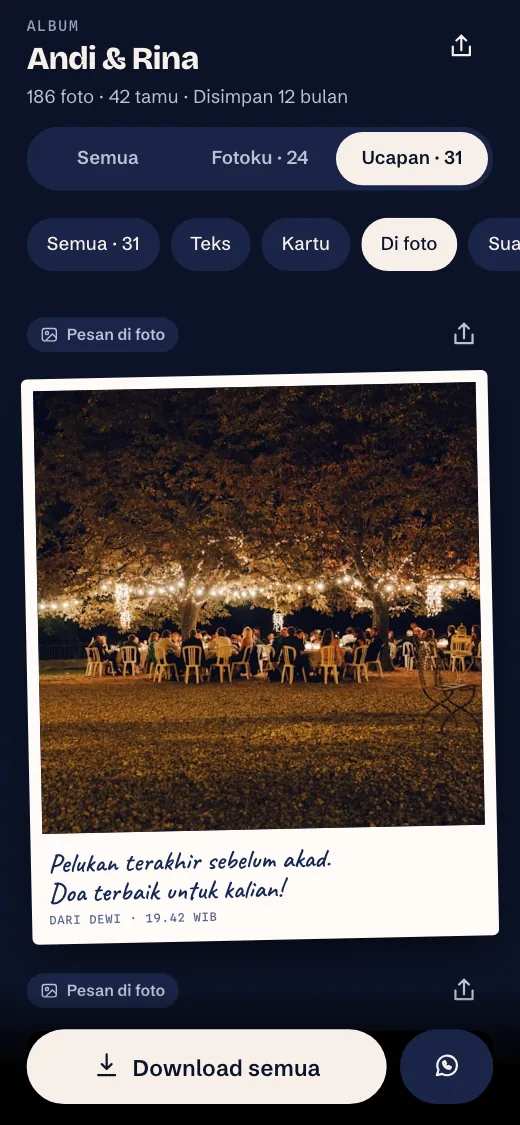
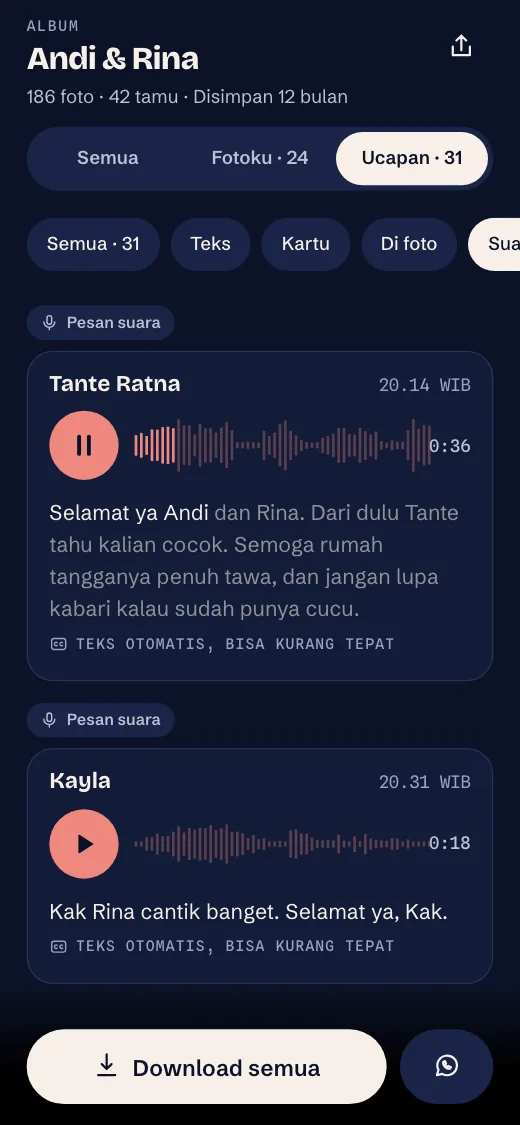
Wishes
Guests can leave a wish too.
Write a wish, place it on a photo, or record a voice note. Voice notes are an add-on.
For the host
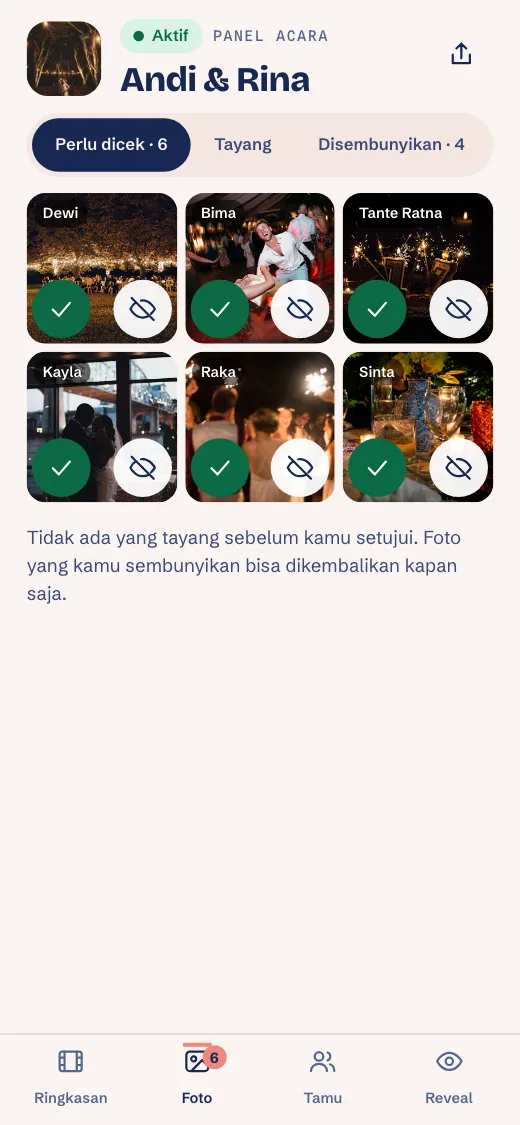
You choose which photos show.
- Check photos before they go live, or go live right away.
- Hide any photo you do not want shown.
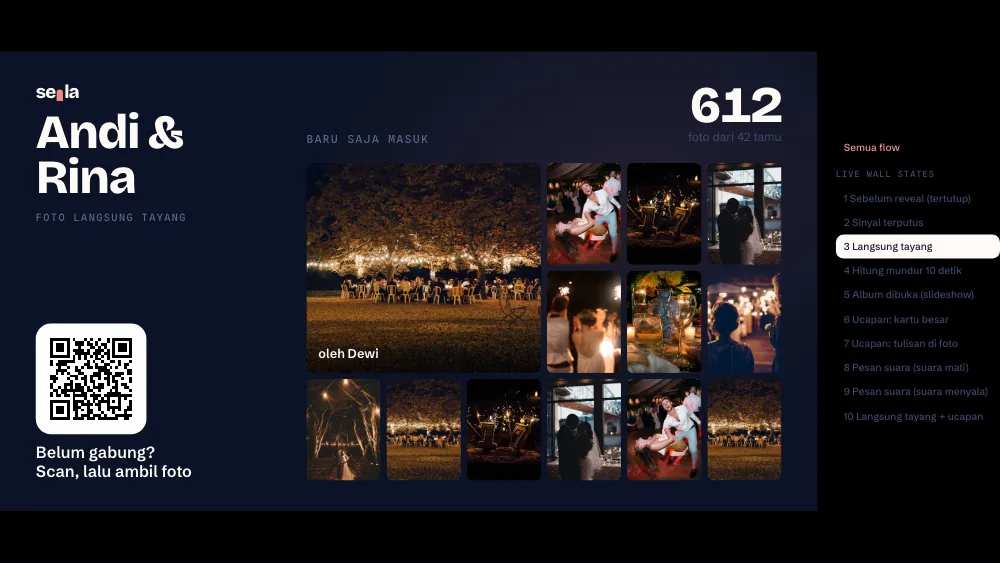
- The live wall shows photos on the venue screen.
For planners and photographers
Sela for your planning and photography clients.
Guest photos complete the photographer’s work. Offer it to your clients.
See pricing
Interactive demo, right here
Try it as a guest.
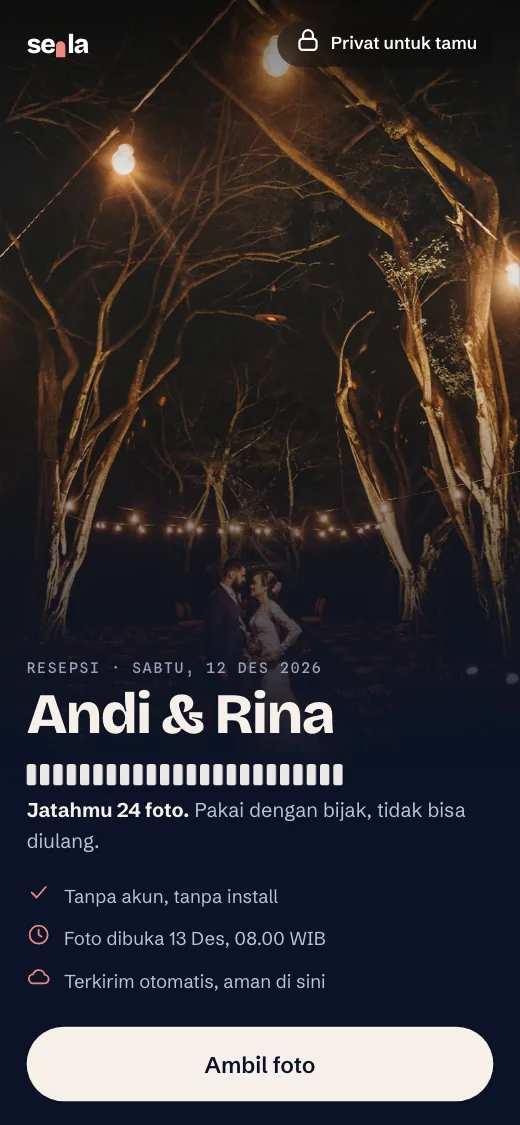
Open the guest camera and try it yourself.
Try it as a guestSample QR. It cannot be scanned.
Pricing
Pay once per event.
The price follows the number of guests. Pay by QRIS or bank transfer (VA), no subscription.
Common questions.
Do guests need to install an app?
No. Guests scan the QR or open the link, then take photos in the browser with no app and no account.
What if the venue has weak signal?
Photos wait on the guest's phone and upload automatically when the signal returns. Guests see how many photos are still waiting.
When do the photos open?
You decide: right away, after the event, or at a time you pick. If you pick a set time, guests can only view the album then.
Can I hide photos or block a guest?
Yes. From the event panel you can hide photos and block guests.
How do I pay?
Pay by QRIS or bank transfer (virtual account) on the secure payment page. Your event is active once the payment comes in.
How long are photos stored?
It follows the plan and is listed on the pricing page. After that there is a grace period before permanent deletion.